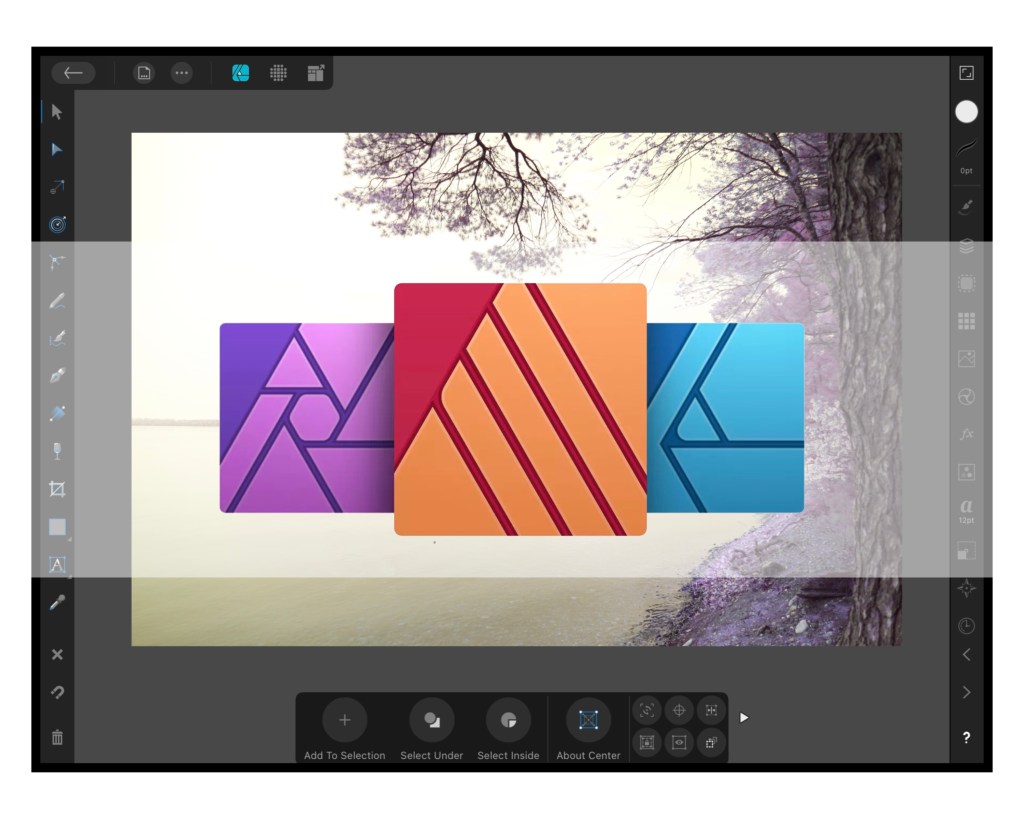

Software developing company Affinity offers three products – Publisher, Designer and Photo – and I use all three.
Publisher is similar to Adobe InDesign while Designer is a nice combination of Photoshop and Illustrator. Photo is also similar to Photoshop, but it has a few unique features.
These programs are not exact equivalents but once you use each program, you can see the similarities and intent.

Designer
I first came across Designer when I was fed up with laptops and PCs and wanted to work solely from my iPad Pro. Because I work with infrared photography, I need a program to swap color channels. Designer gives me that opportunity and so much more.
For several years, Designer has served as my workhorse. Combined with my iPad Pro, I can do advanced photo editing – like channel swapping and object removal – as well as design work.
I’ve also been able to revisit vector drawing – something I hadn’t done since college, when I had access to Illustrator.
In recent years, my workflow has shifted based on my creative interests, but this program remains a necessity.
If there’s one thing I will ever say about Designer, it’s this: don’t underestimate it.

Publisher
Publisher has become far and away my favorite Affinity product. I use this program on my MacBook – yes, eventually I returned to laptop life – and I love creating grids and worksheets for my many projects.
I found it easy to learn, particularly since I was familiar with Designer, Photoshop and Illustrator. The products have the same basic layout, so once you’re familiar with one, you can usually navigate the rest.
Affinity is also excellent about putting how-to resources online – both written and video. A quick Google search usually answers any question.

Photo
Photo, I’ll be honest, isn’t my main photo editing software. When it comes down to it, Lightroom is still my number one.
I prefer the simplicity of Lightroom. Unless I’m creating a surreal dreamscape with added elements, I don’t usually need a lot of editing. I try to get as much work done in-camera as I can – even the infrareds.
Photo is a more complex layout, like Designer, Photoshop and the rest. The editing options are “knobs,” which get finicky – sometimes they’ll adjust with a straight swipe and sometimes they require a circular swipe. My personal preference is Lightroom’s sliders.
What keeps Photo on my iPad is the focus stacking function. Take a series of shots on a tripod, each photo focused on a different point and Photo can merge them together. The result is one nice, clear, crisp image.
It also has the ability to stitch together panoramas, merge HDR images and edit batches.
It definitely has the capacity to do great things.
Price Matters
The final factor in my choice to use these products is the price – or more specifically, how often I have to pay.
The beauty of these products is they are “one and done” purchases. No monthly or annual subscriptions. You pay, you own.
In my opinion, these are extremely reasonably priced products, too. I haven’t paid for any updates yet, but I believe there are options available.
Overall, I highly recommend the Affinity programs! They’re powerful, portable and affordable!
Please note: This post is not sponsored.
 Jessica Pierce
One thought on “Affinity: my go-to source for design software”